Parent Portal/

Background

The Technological Frontier is wide open. thanks to both hardware and software innovations of the past 20 years. we are truly at an opportune time

one of the best secrets and greatest ephiphanies in computer science is that simple tools and simple code can achieve complex, sophisticated, and advanced results

not only are these new tools extremely powerful these tools are, above all, so fun to use!
Image 1
Blender is a full 3D suite for hard surface modeling, sculpting, UV unwrapping, and texturing. And it even supports 2D animation within a 3D space. linked reference.
Image 2
Godot is a lightweight, free & open-source, general purpose game engine, used to make 2d and 3d games
Image 3
Scratch is a high-level, block-based visual programming language for students. It is created by the Massachussets Institute of Technology. linked reference.
Image 4
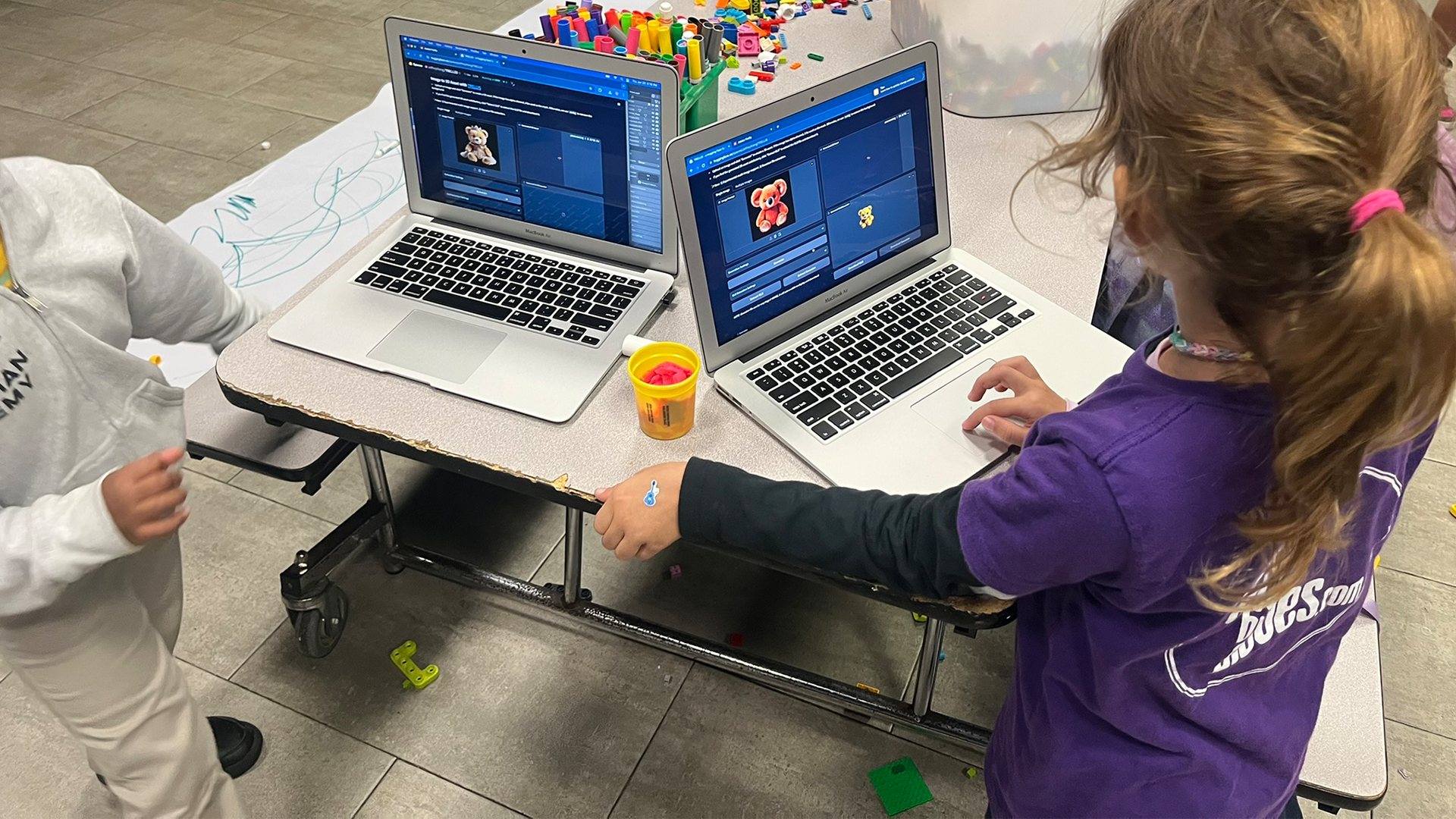
LLMs are great for creating scripts and code tools for Blender using natural language

New tools, frameworks, and scenarios for the expression of new ideas and new designs are now available, as well as an increase in the use of digital environments that delivers new types of interactions

Creating stickers is a staple of our class! Students learn software through hands-on activities

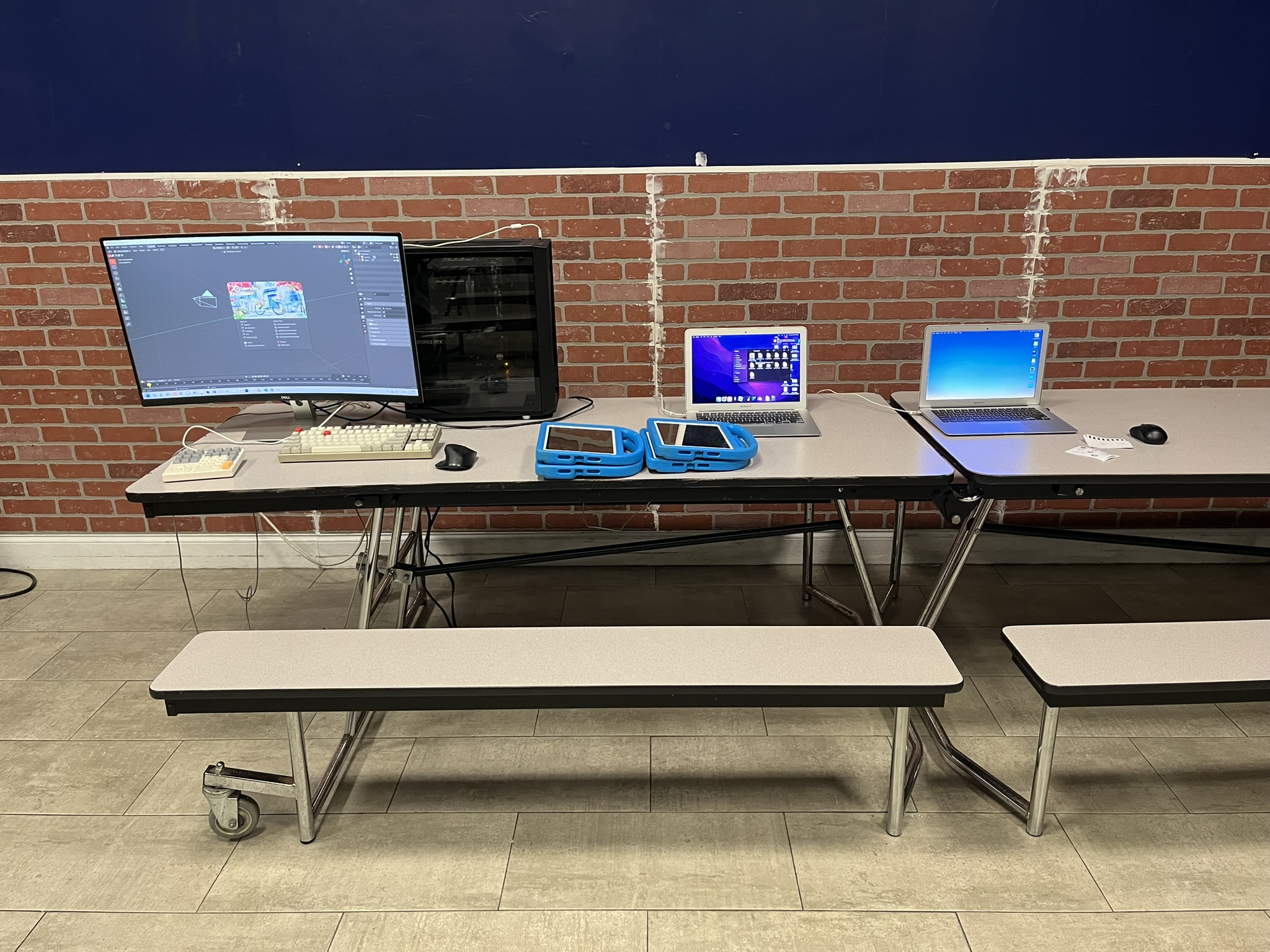
We introduce students to hardware and software tools that are easy to learn and so fun to use!

Class & Projects
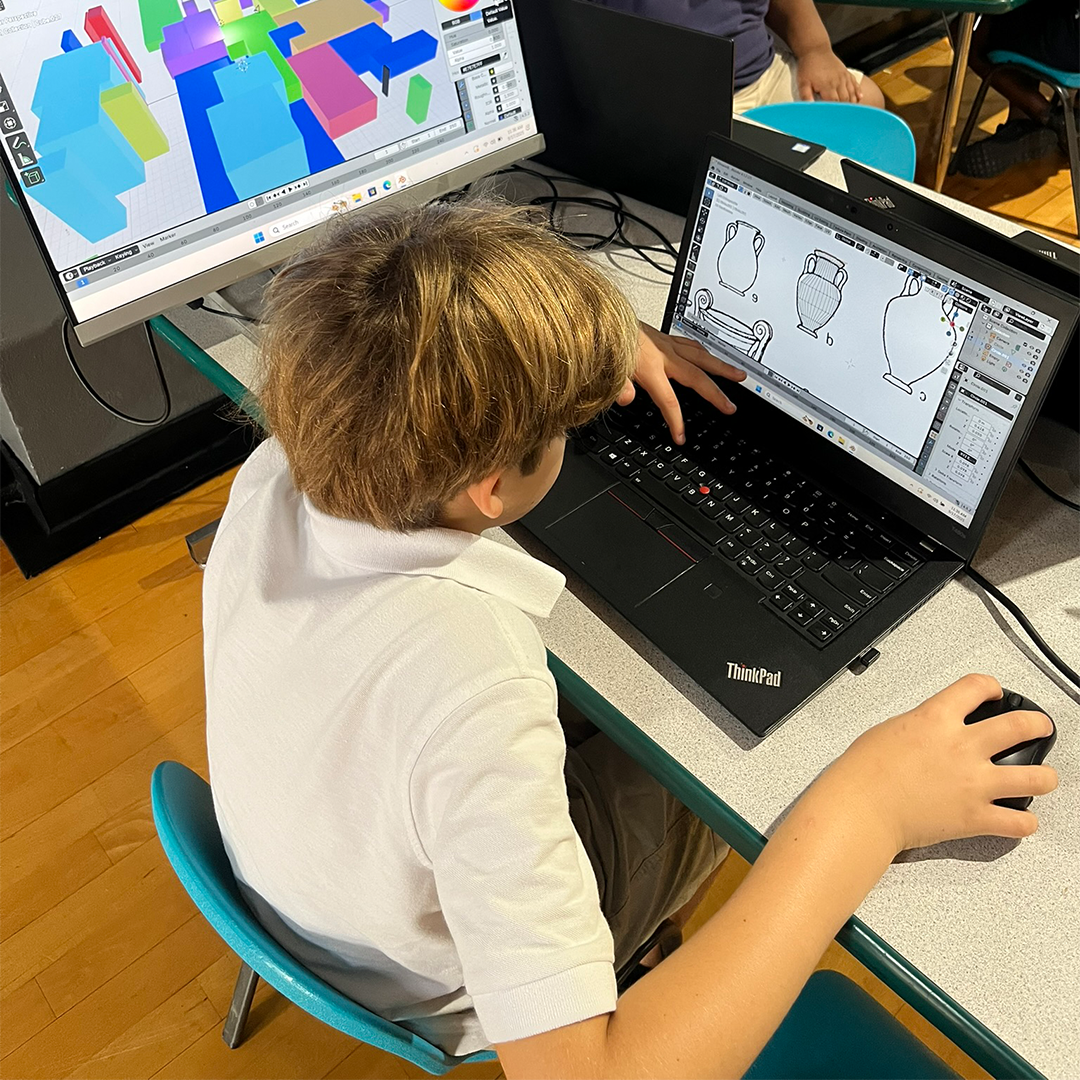
Image one
Student using a reference to create digital pottery in Blender 3d
In this exercise, students create digital pottery using simples shapes
Blender offers infinite opportunities for creative expression.

students can keep adding details and complexity to their creations after learning the basics
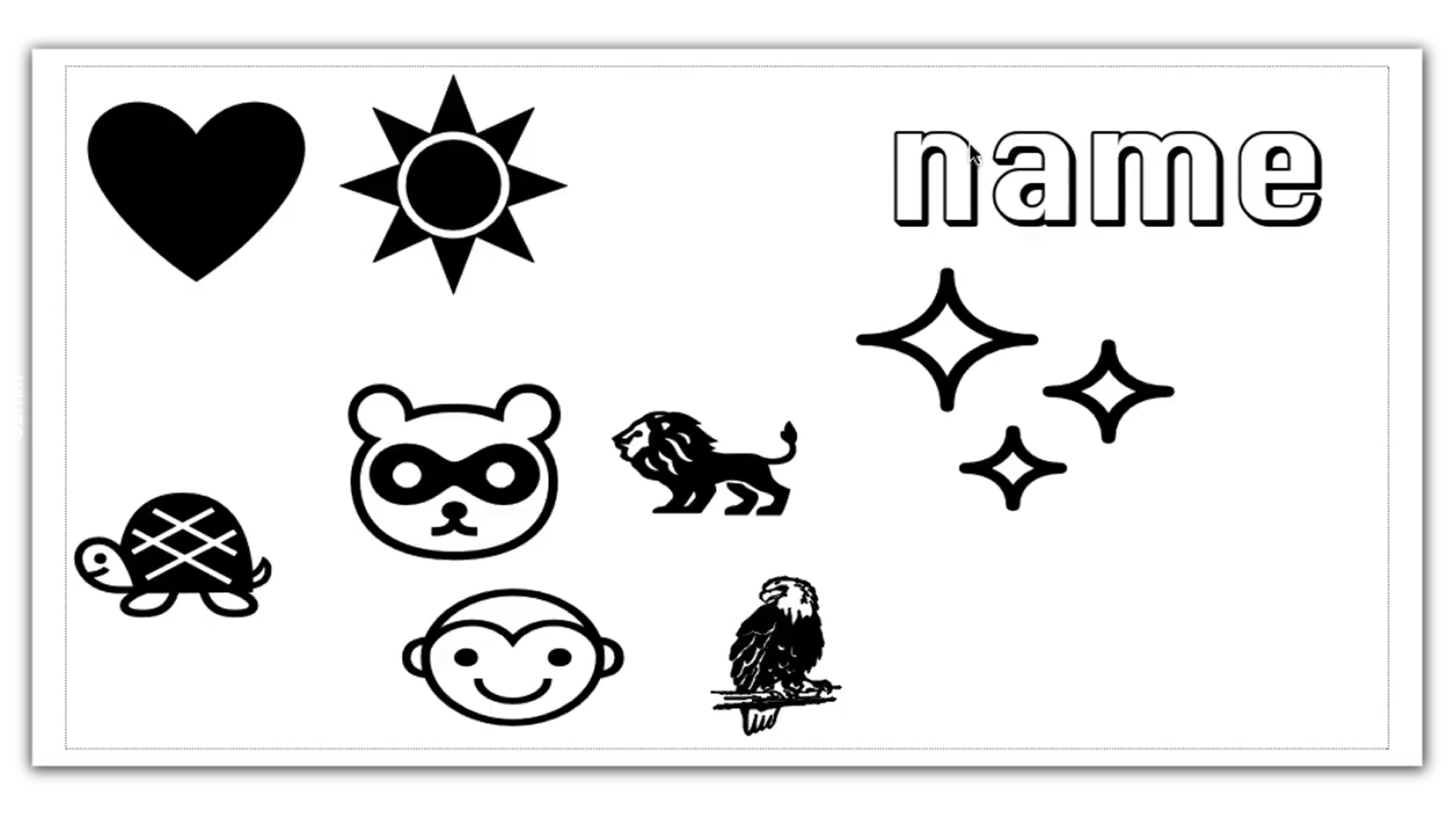
using simple tools like copy and paste can produce powerful results no matter the software
Image two
students learn that computers and software can be fun tools used for creativity and learning.

instead of devices used for digital consumption and distraction
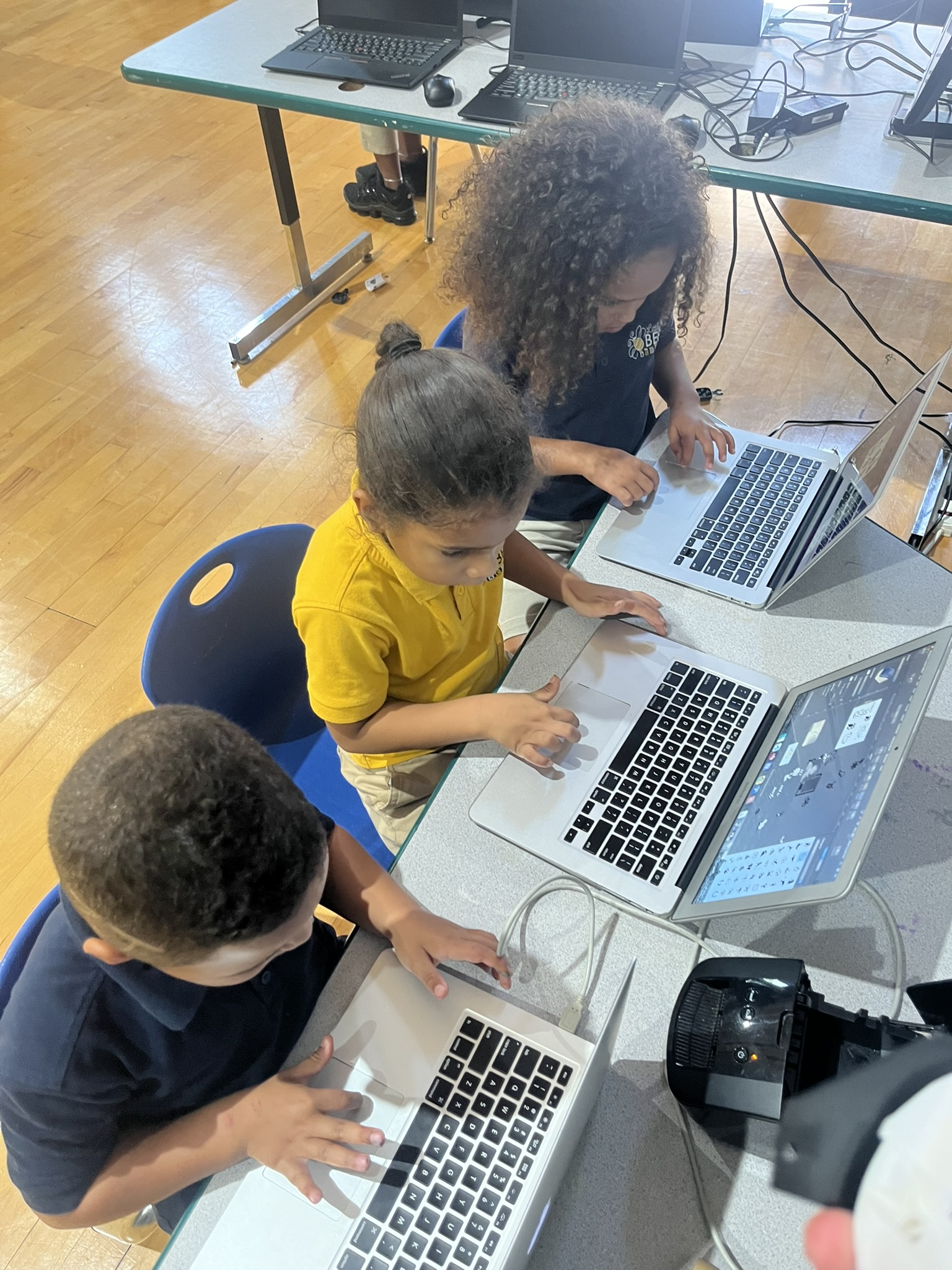
Image two
Students creating and printing stickers

Blender is a free and open-source 3D computer graphics software suite. It runs on Windows, and macOS, and is used for general 3D modeling, animation, digital sculpting, visual effects, rendering, compositing, motion tracking, drawing, 2D animation and video editing.
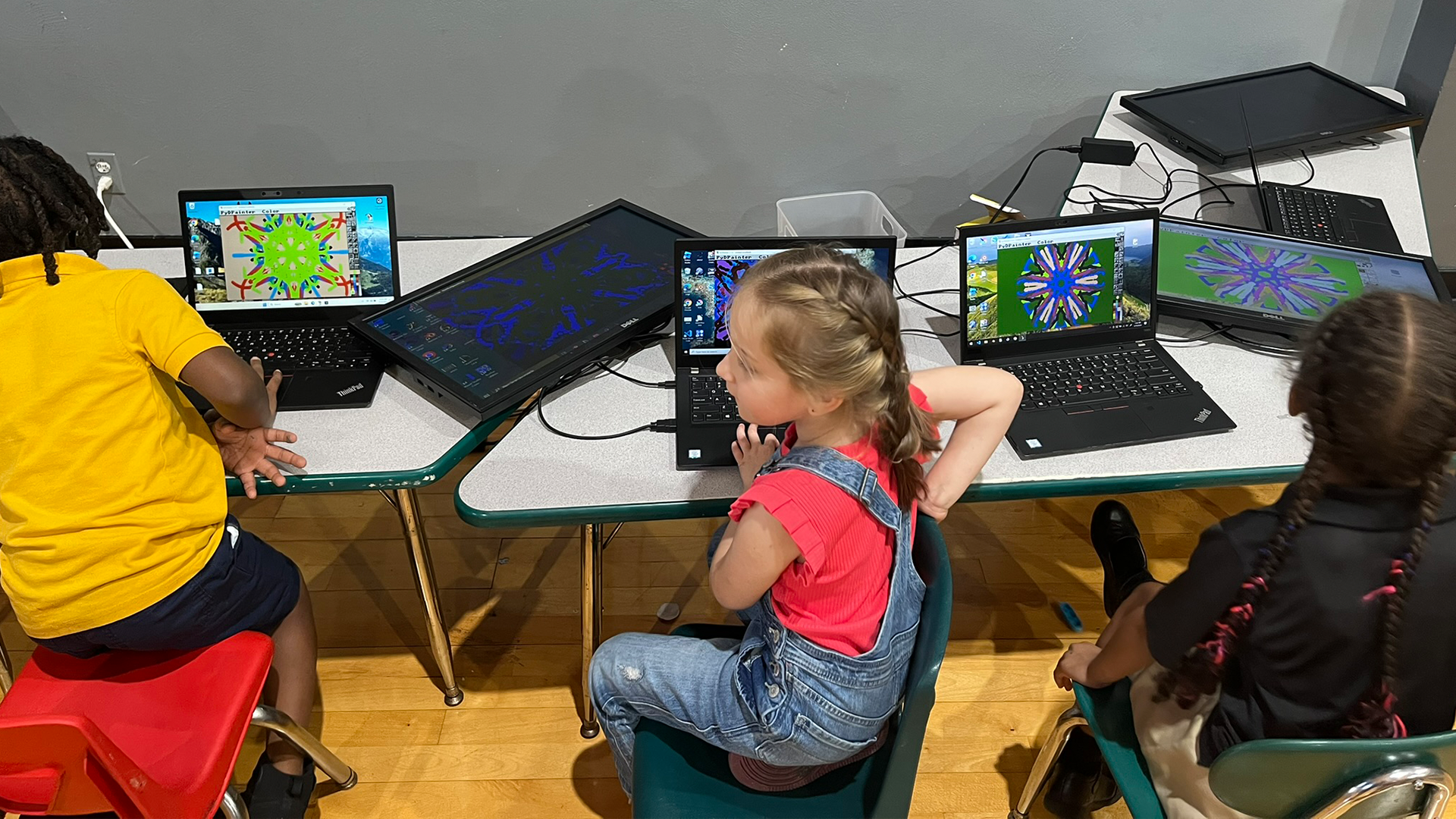
knight character made in blender 3d using simple shapes and simple textures
Piazza d’Italia
Blender is a focal point of our class! It is free and open-source 3D computer graphics software and allows students to accomplish so much

Blender, by itself, allows students to create 3d characters, environments, and items to use in video games and animations. Before Blender, similar software could cost thousands of dollars with steep hardware requirements

We teach computer proficieny! students learn:

Class Structure

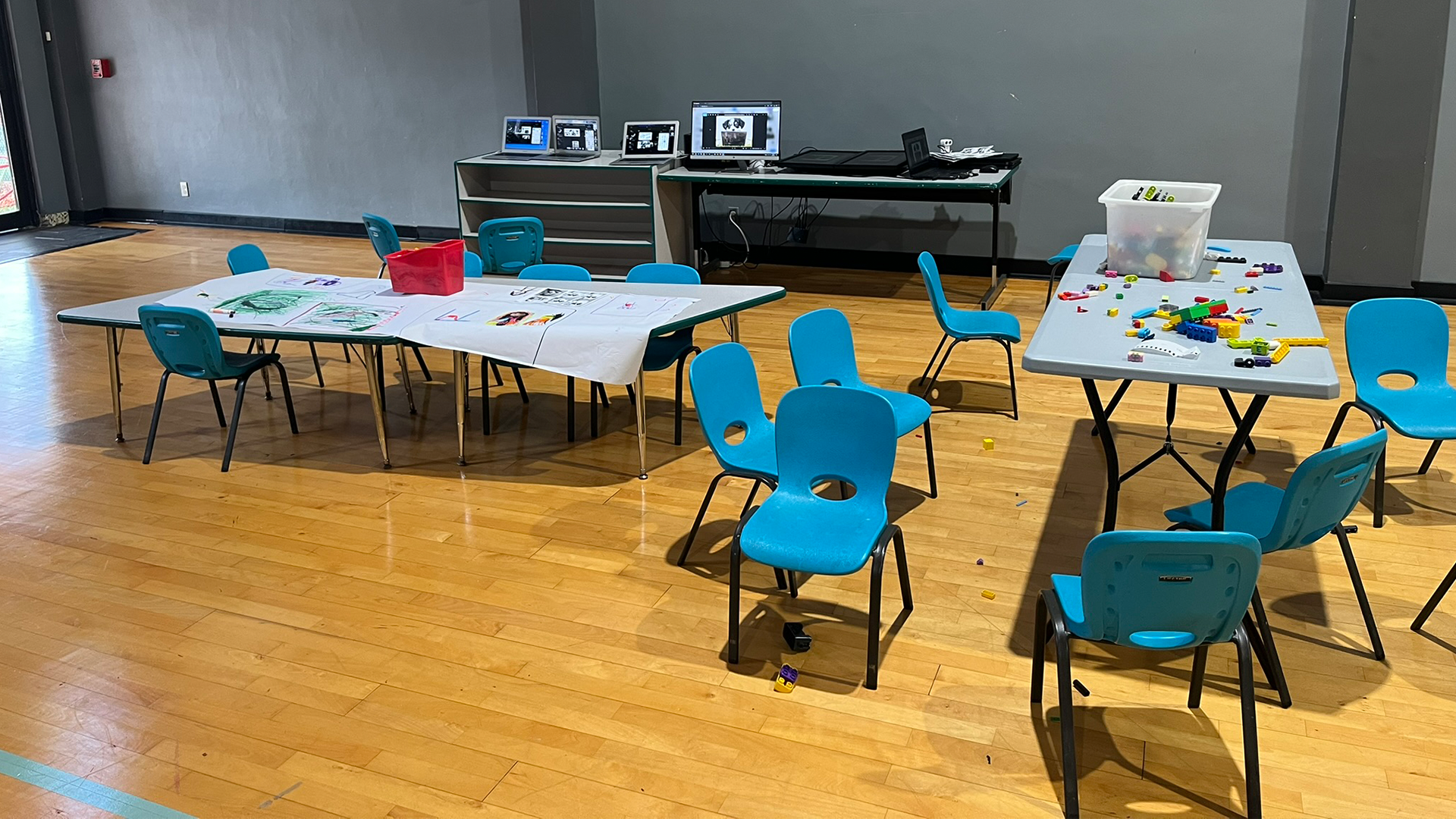
  1. 45-55 minutes in duration.
  2. held on-site, afterschool, with no additional transportation reqquired.
  3. Class is a very social supportive environment and a great place to make friends.
  4. Class is weekly and based on a $60 monthly subscription with all equipment included